Building a Simple Expense Tracker: A practical look at simplifying data flow and alerts with Condense.

|
Interactive Games

TL;DR
A simple expense tracker app turned complex because of infrastructure overhead Kafka topics, consumers, and routing logic took more time than building the actual logic. Condense’s Split and Alert utilities solved this by handling data routing and alerting declaratively, without extra code. With them, setup friction disappeared, letting the developer focus purely on insights and app behavior instead of plumbing.
We’ve all been there: what starts as a simple feature ends up buried under infrastructure setup, error handling, and data routing. Two hours later, you finally write the three lines of logic you actually cared about. The rest? Just necessary plumbing that eats up your time and energy.
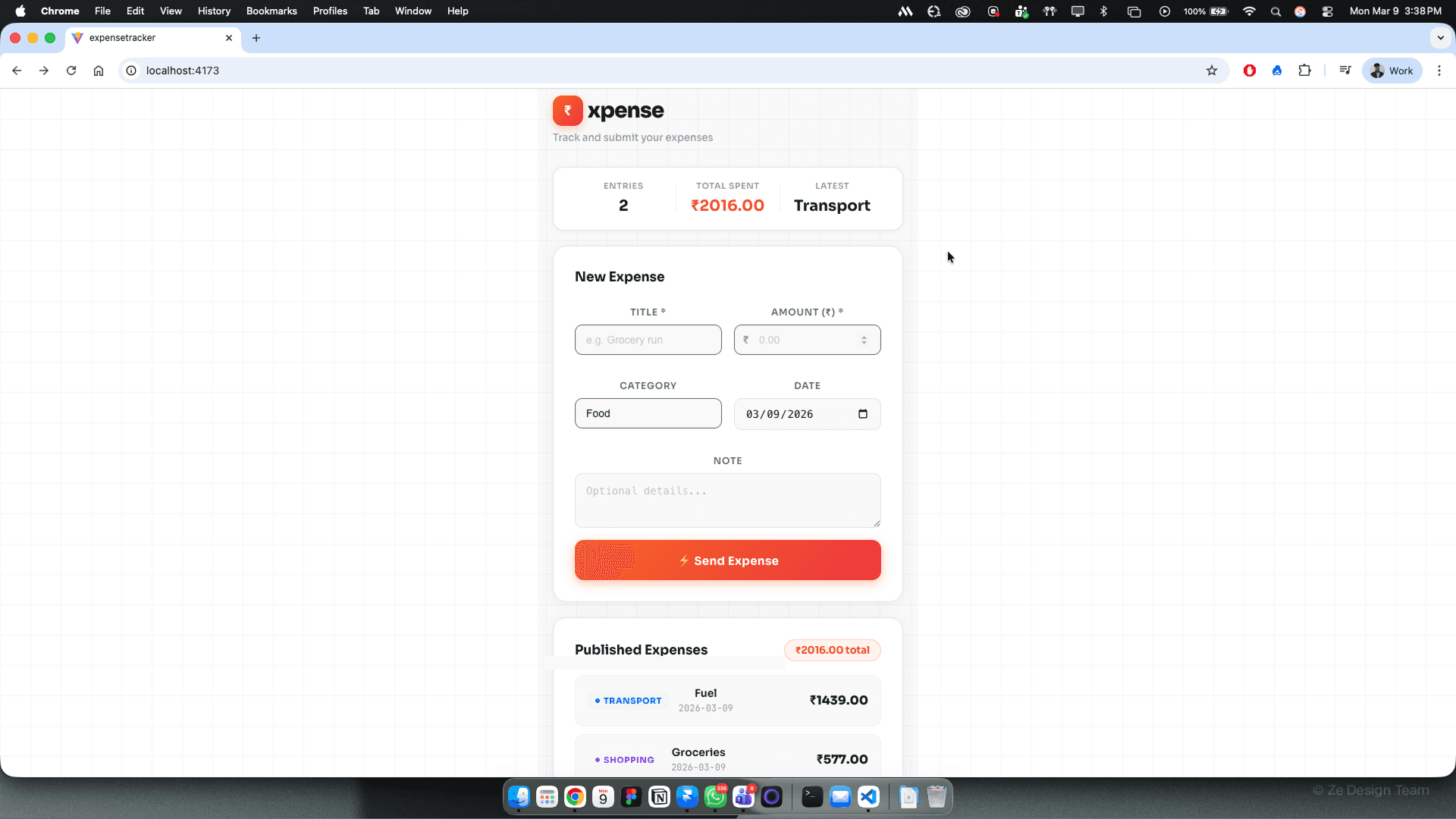
I ran into this exact problem while building a simple expense tracker application using Condense.
The Idea Was Simple:
Collect expense data
Analyze monthly spending
Understand where most of my money goes
Get alerts when spending crosses a certain threshold
The Reality Was Different
Instead of working on analytics and insights, I found myself buried in setup work:
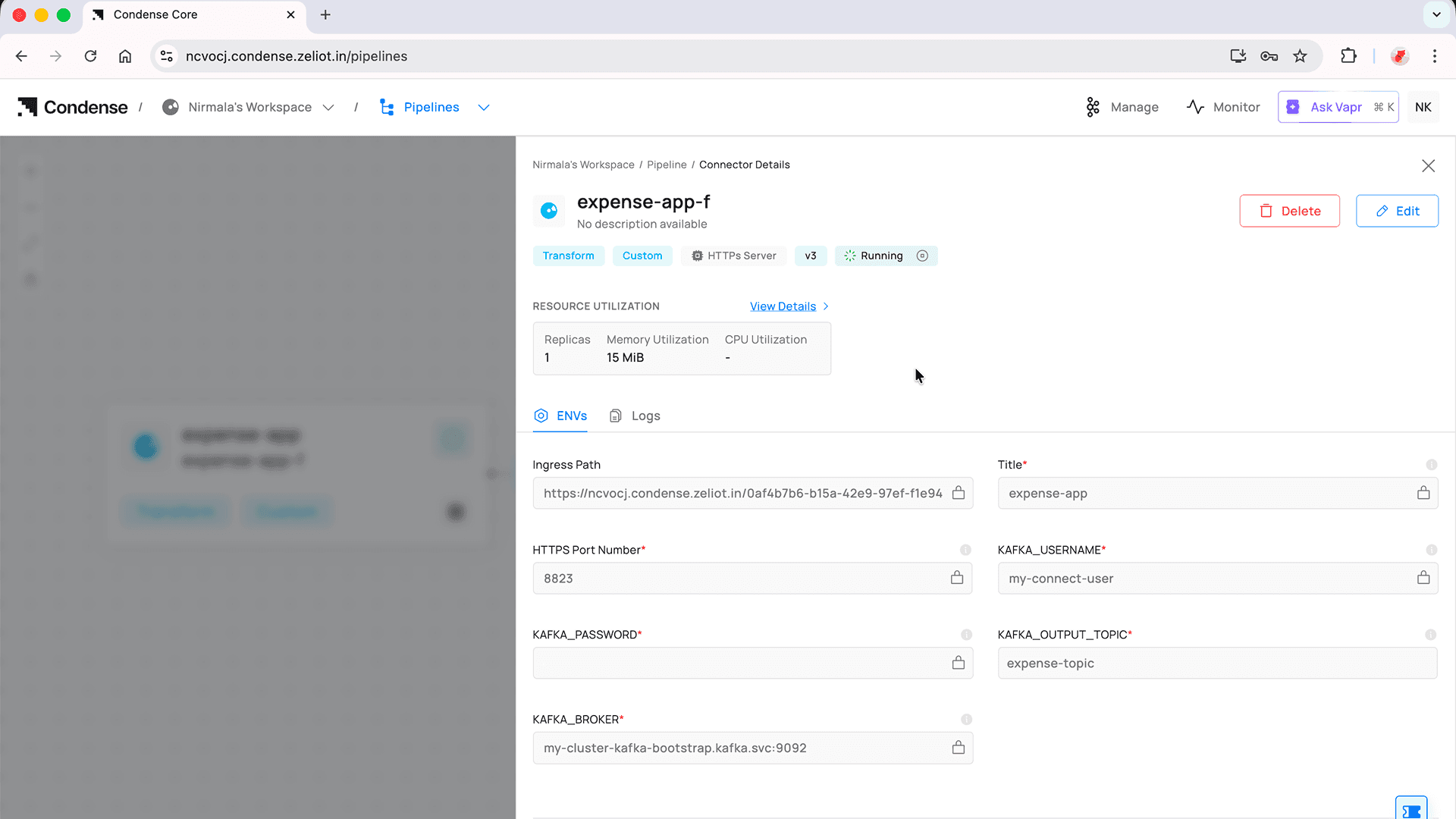
Configuring Kafka consumers
Managing multiple Kafka topics
Persisting events
Splitting data based on expense type (food, travel, rent, etc.) or person
Wiring alerting logic when thresholds were breached
Handling retries, failures, and edge cases
And this isn’t unique to expense tracking. It’s a familiar pattern for most engineers: the core logic is simple, yet the infrastructure around it becomes overwhelmingly complex. In many cases, this friction is what causes engineers to step back, not from lack of ideas, but from the sheer effort required to implement them.
That's when Condense's Split and Alert utilities made a real difference.
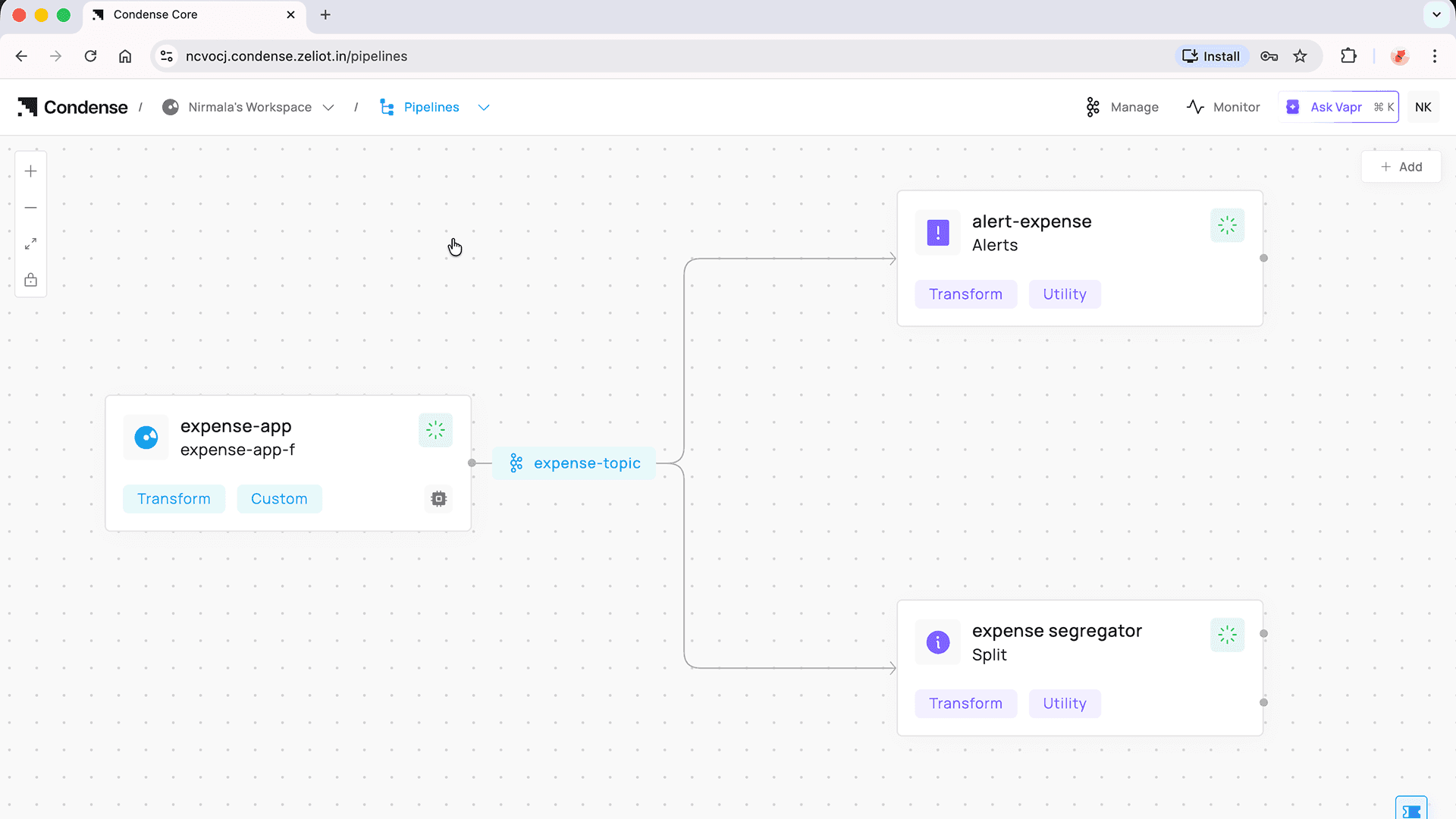
The Split Utility
Instead of writing custom consumers and routing logic, the Split utility lets you configure everything declaratively.
What It Can Consume
The Split utility can consume data from:
A JSON input, or
A Kafka topic
Once the data is available, everything else is configuration.
What You Need to Define
You only need to do three things:
1. Define the conditions used to segregate the data
For example: expense type, category, user, amount range, etc.
2. Specify the target Kafka topics
Each condition maps to a topic where the data should be routed.
3. Configure the output structure
Decide how the transformed or filtered data should look.
That's it.
No consumer code. No condition checks scattered across services. No routing logic buried inside application code.
What Split Handles for You
Once configured, Split takes care of everything else:
Fetching data
Evaluating conditions
Routing messages
Publishing to the appropriate Kafka topics
This alone removed a huge chunk of cognitive load from my application.
The Alert utility follows the same philosophy.
In my expense tracker, I wanted alerts like:
Monthly spending crosses a certain limit
Category-wise spending exceeds a threshold
With the Alert utility:
You define the conditions
Specify the target Kafka topics
Condense handles the execution
Just like Split, Alert lets you focus on what you want, not how to build it.
Once Split and Alert were in place, the expense tracker finally felt complete. The flow of data was clear, the behavior was predictable, and there was nothing extra to manage or keep track of. The application behaved the way it was intended to, without constant attention.
More importantly, the effort shifted back to where it belonged. Instead of spending time setting things up or maintaining supporting logic, the focus stayed on understanding spending patterns and improving the overall experience. Progress felt steady rather than interrupted.
That’s the kind of balance good tools create. They don’t try to take over the spotlight, they simply make the work smoother and let the main idea stand on its own.
Ready to Switch to Condense and Simplify Real-Time Data Streaming? Get Started Now!
Switch to Condense for a fully managed, Kafka-native platform with built-in connectors, observability, and BYOC support. Simplify real-time streaming, cut costs, and deploy applications faster.